Scripts, client approvals and shot lists in one place.
KamiBoard is a planning app for UGC creators. Write your script with the B-roll and on-screen text for each line, send it to the brand for approval, and use it as your checklist on film day.
No credit card needed
How it works
Each project moves through three stages. The script you write is the one your client approves and the one you film from, so nothing gets copied between apps.
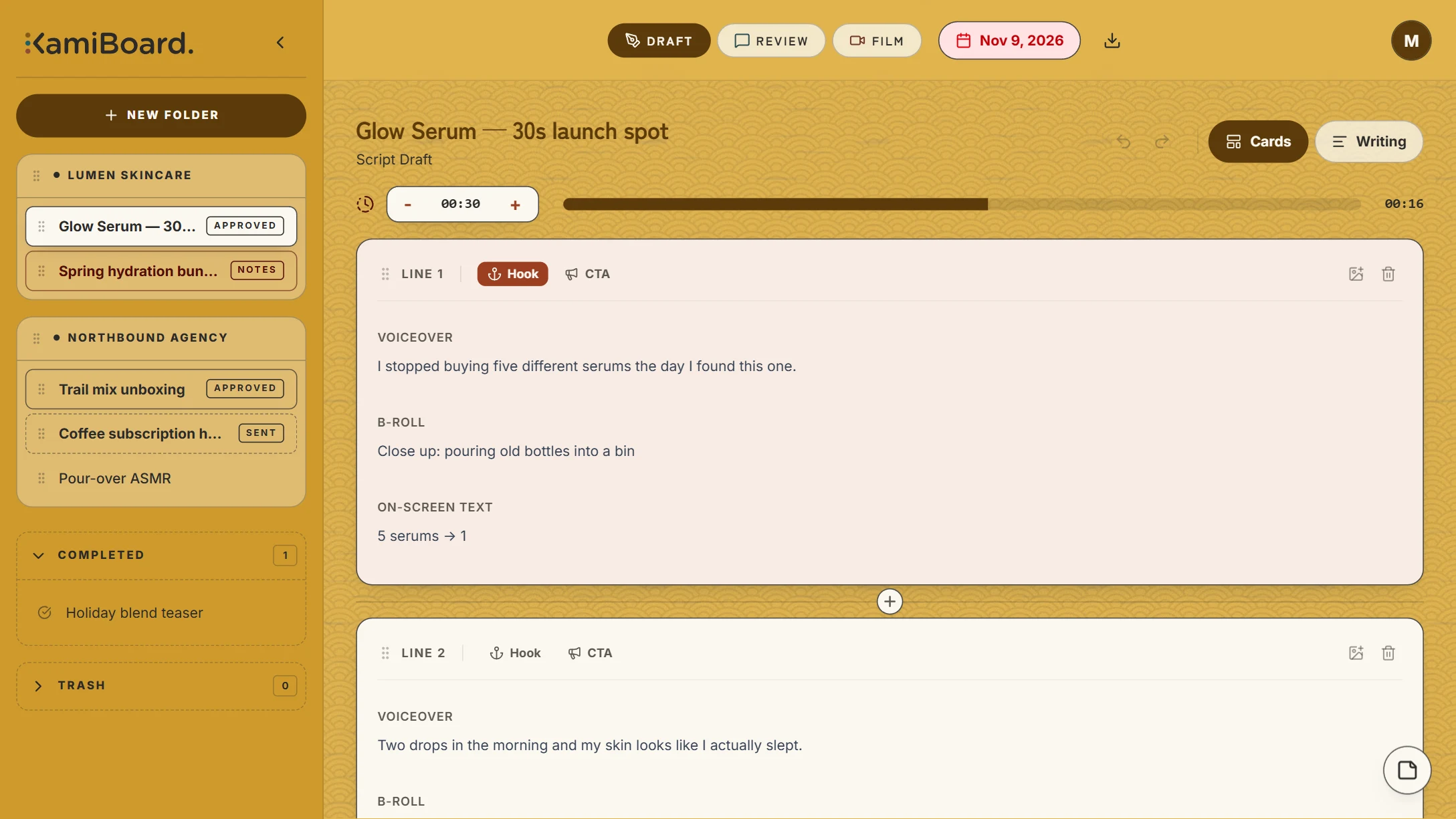
Write the script and plan the shots together
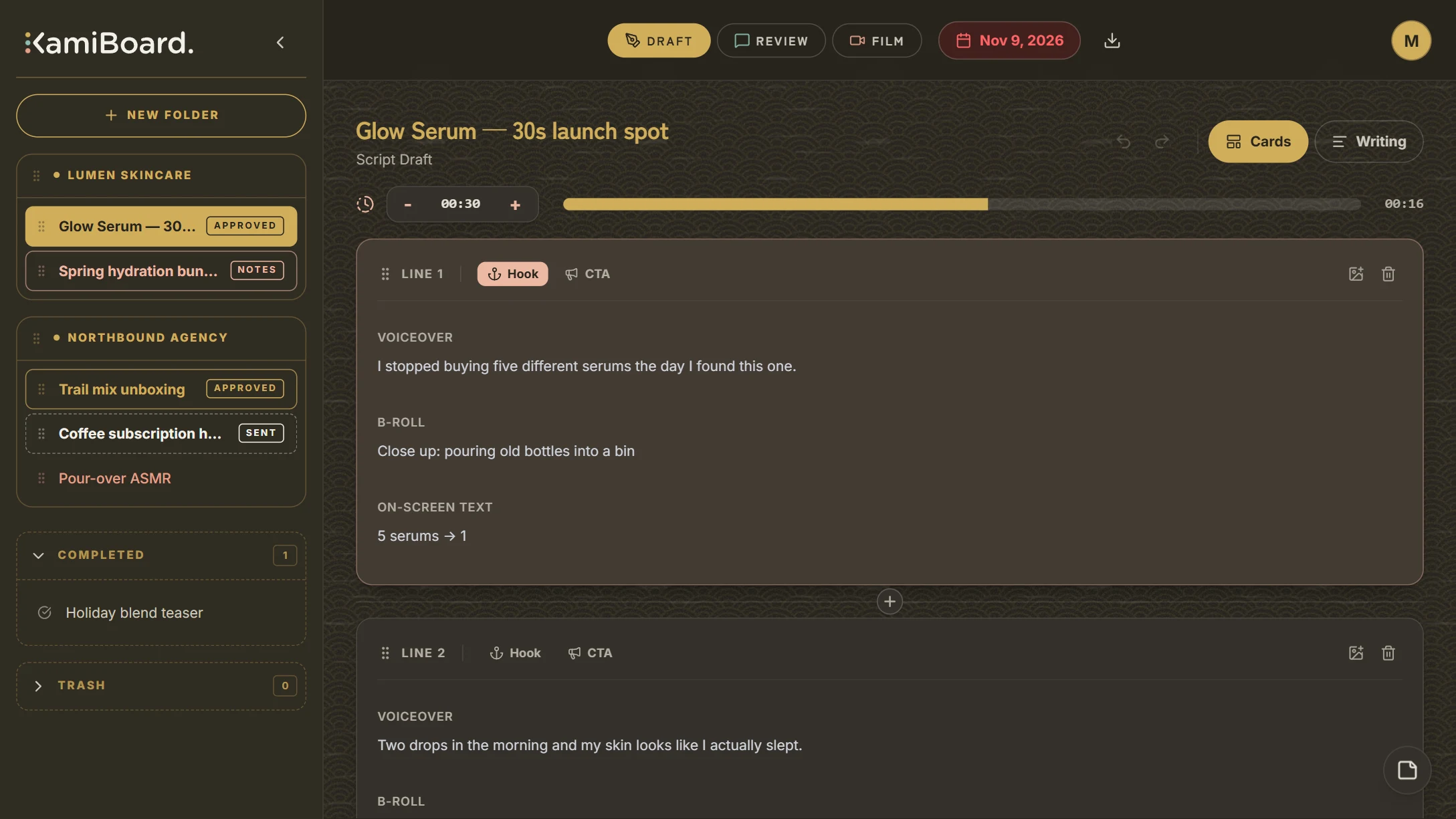
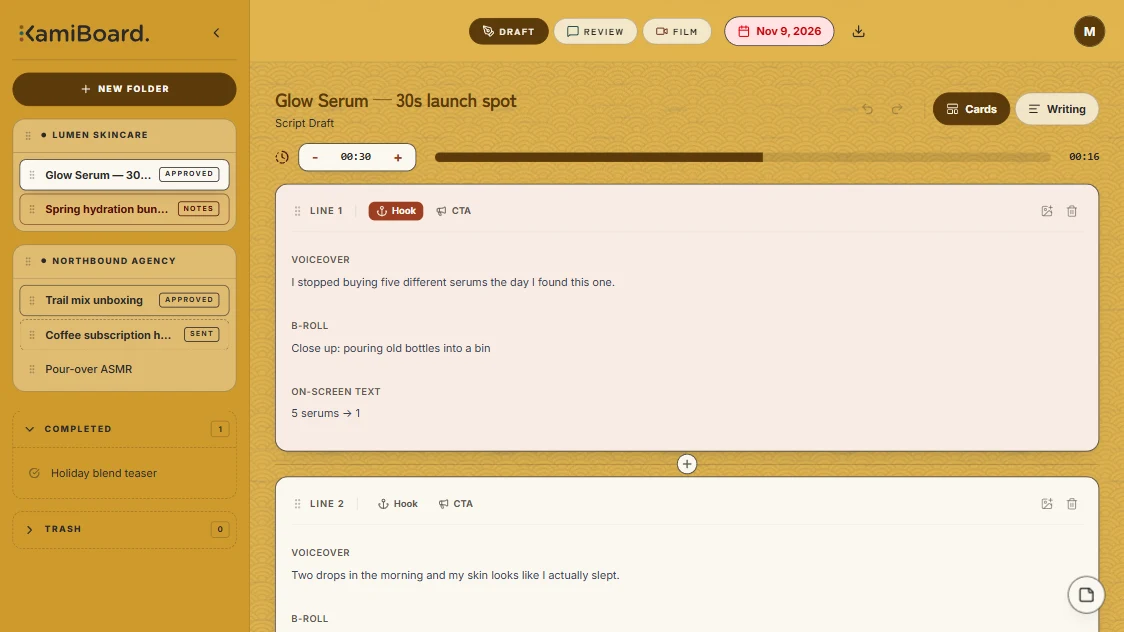
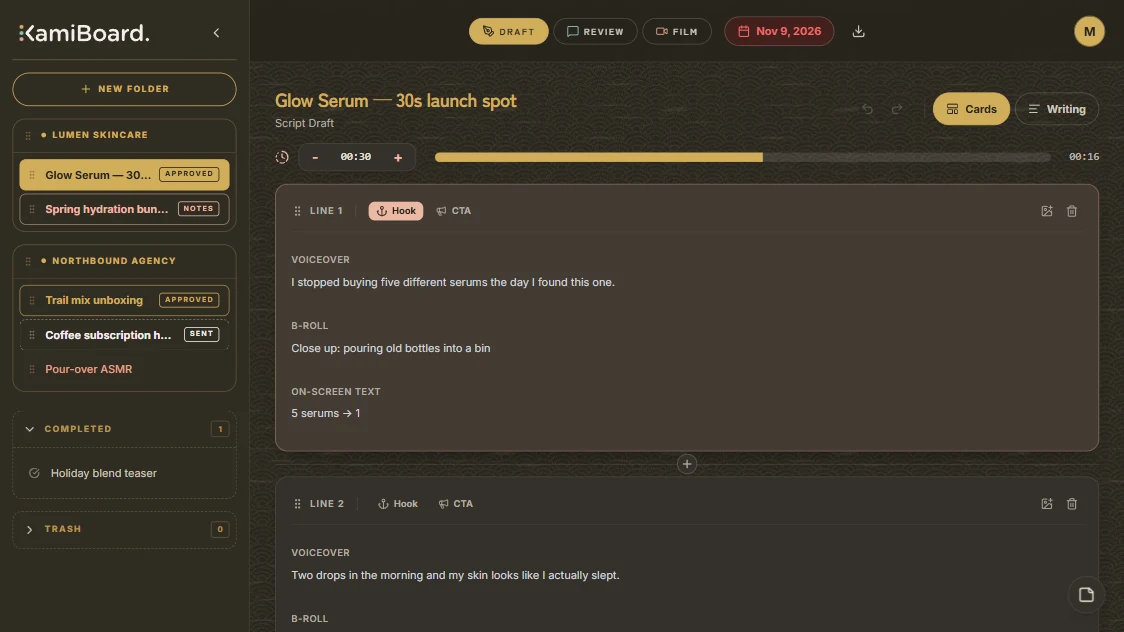
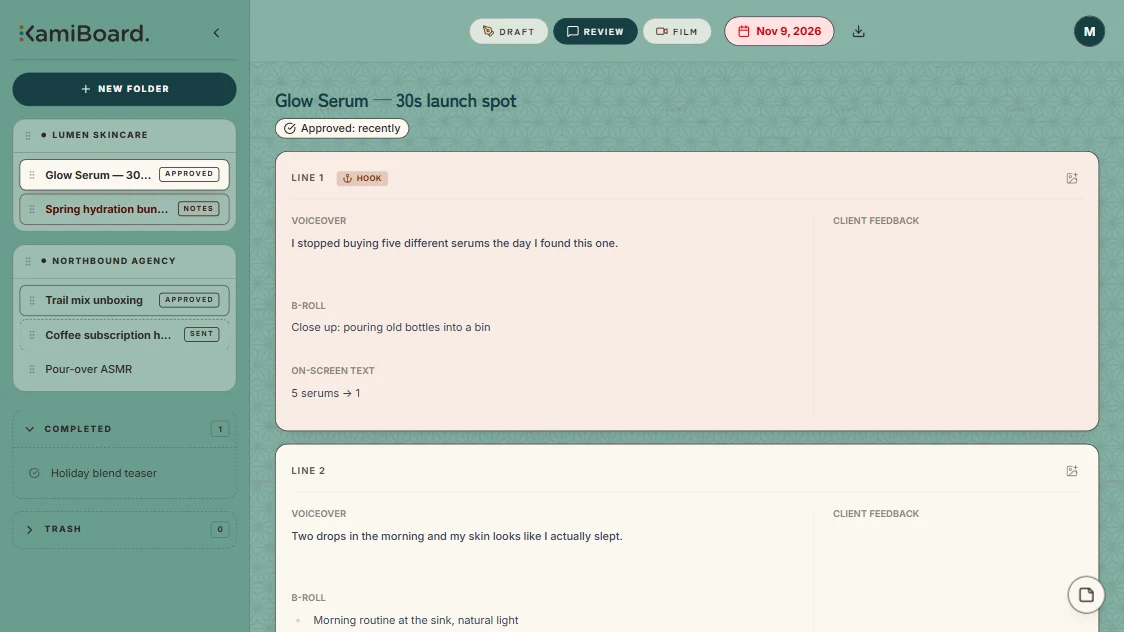
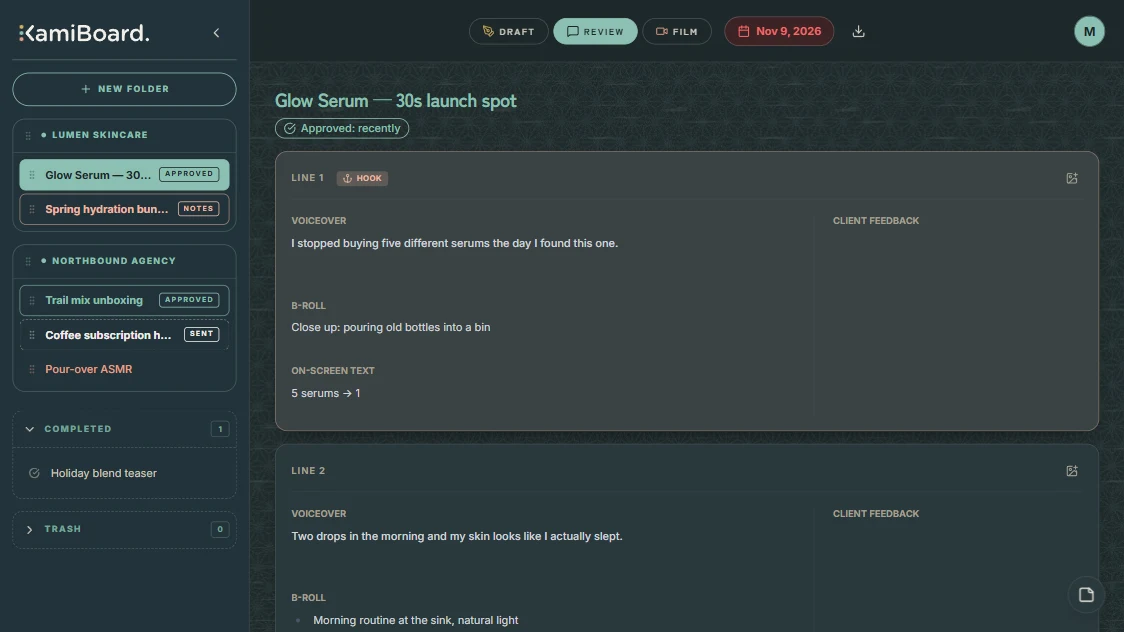
Each line of your script has a place for the voiceover, the B-roll and the on-screen text, so you know what to film for every line. Add reference images to any line to show the look you want.
- Voiceover, B-roll and on-screen text for each line
- Up to 10 reference images per line
- Running time against your target length
- Mark the hook and the call to action
Send it to the brand for approval
Share a link with your client. They read the script, comment on specific lines, and approve it or ask for changes, without making an account. You get an email when they reply, and KamiBoard saves a copy of the version they approved.
- Clients don't need an account
- Comments attached to the line they're about
- An email when your client replies
- A saved copy of every approved script
Film from a checklist on your phone
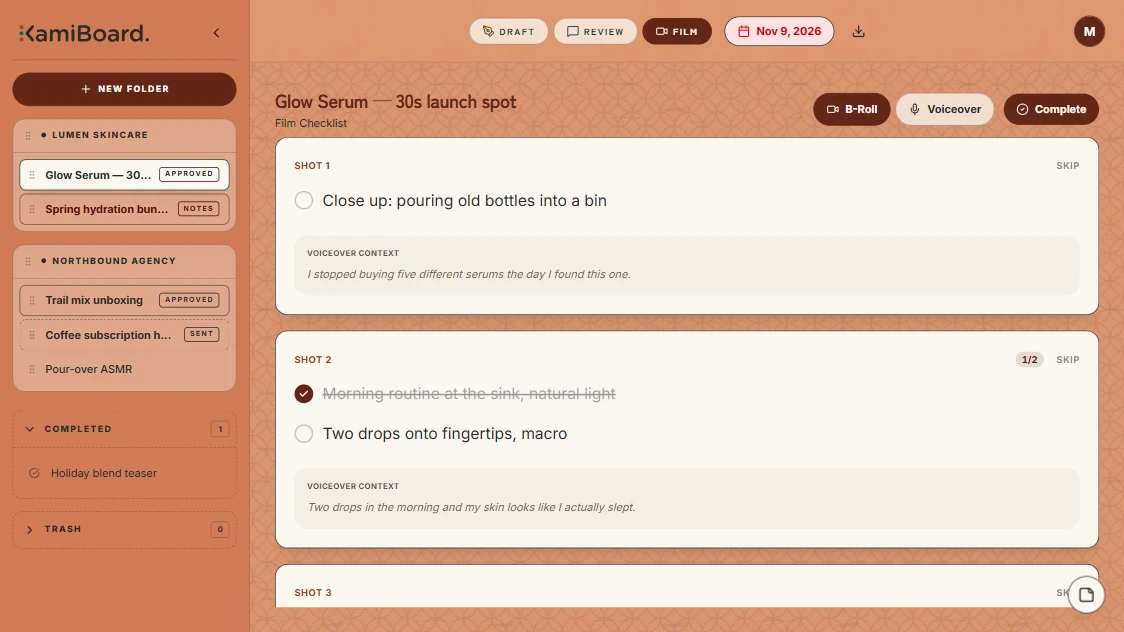
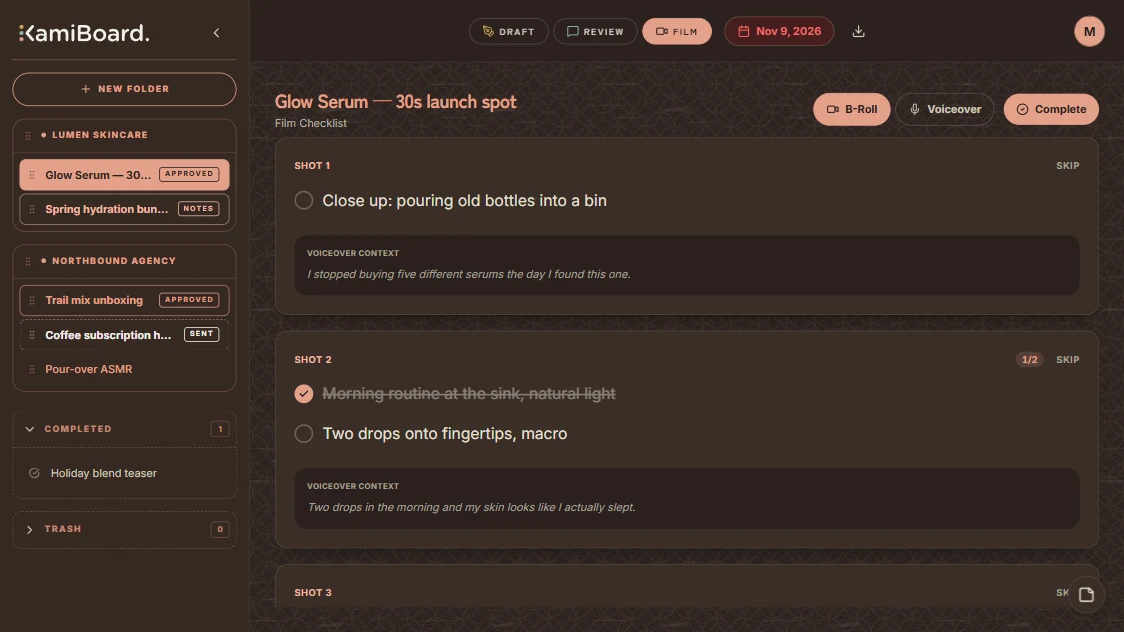
Once a script is approved, it becomes a shot list. Tick off each B-roll shot and voiceover line as you record it. Skip a shot and it moves to the end of the list, so you don't leave without it.
- Separate lists for B-roll and voiceover
- Tick off each part of a shot on its own
- Reference images on every shot
- Skipped shots move to the end
Made for creators working with several brands
Keep each client's work separate and see what's due next.
A folder for each client
Put a brand's or agency's projects in a folder and share it with them. They see the scripts you've sent them and nothing else.
Past projects stay saved
Finished projects move to your archive, so you can find an old script, comment or approval when you need it.
Write, review and export in one app
No more switching between docs, email and chat. Zen Mode hides everything except the script, private notes are only visible to you, and any script exports to PDF.
Due dates for every project
Set a due date on each project and see which ones need writing, which are waiting on a client and which are ready to film.
Pricing
KamiBoard Pro
Unlimited projects, folders and client links.
What’s included
- Unlimited projects and folders
- Client review links
- Shareable client folders
- Email alerts for client feedback
- A saved copy of every approval
- Reference images on every line
- Shot list checklists
- PDF script export
- Price Lock guarantee
Questions
Does my client need an account?
No. They open your link, leave notes on any line or approve the script, and they're done. Nothing to download and nothing to sign up for.
I work with an agency on several projects. Can they see them all?
Yes. Put their projects in one folder and share the folder. They get a single link that lists every script you've sent them, and drafts you haven't sent stay hidden.
What happens to my scripts?
Brand scripts are often confidential. We will never sell your information, and your scripts are never used to train AI models. You own what you write, and if you delete your account, your projects, folders, and review links go with it.
How does billing work?
KamiBoard Pro is $6 a month. Payments go through Stripe, so your card details never touch KamiBoard. Cancel anytime from your account settings, and you keep Pro until the end of the month you've paid for.
Free trial
How the free trial works
You get 7 days with every feature, including client review links, and no credit card needed. During the trial you can have up to 3 projects in progress at a time.
If you don't upgrade by the end of the trial, your account moves to the free plan. You keep all your work and can still have up to 3 projects in progress, but review links stop working until you upgrade. Finished and trashed projects don't count toward the limit.